








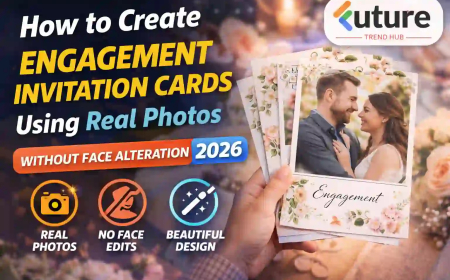











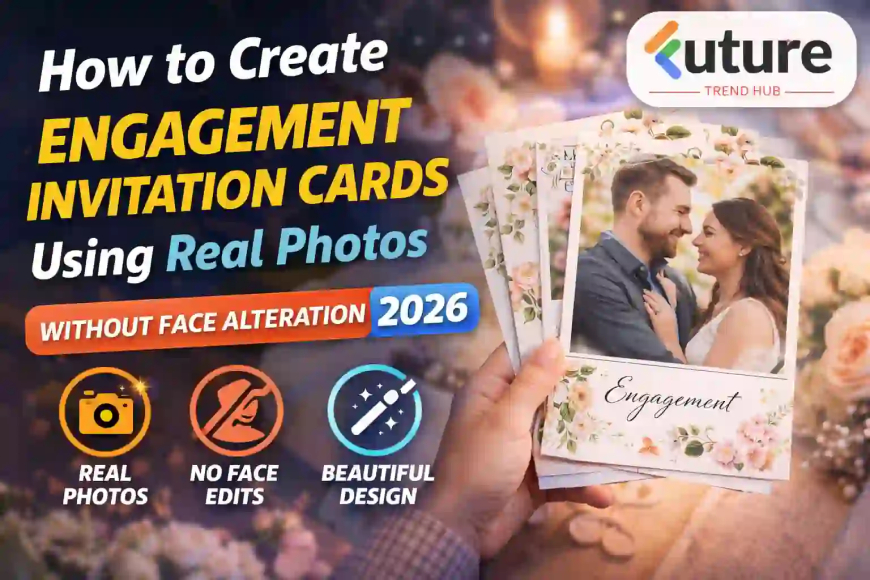
How to Create Engagement Invitation Cards Using Real Photos Without Face Alteration (2026 Guide)
Learn how to design Engagement invitation cards at home with simple tools, real examples, and expert tips. Create beautiful, budget-friendly invites step by step.
Let’s be honest…
Aaj kal engagement cards sirf formal invitation nahi rahe — they’ve become personal stories.
People don’t want over-edited, artificial-looking photos anymore.
They want something real. Something emotional. Something that actually feels like them.
That’s why the trend of creating engagement invitation cards using real photos without face alteration is growing fast.
From my experience, especially seeing wedding trends in India and abroad, couples now prefer:
- Natural expressions
- Real moments
- Minimal editing
In this guide, I’ll walk you through exactly how to create beautiful, professional-looking engagement invitation cards using real photos, without changing faces or over-editing.
Why Real Photos Work Better Than Edited Ones
In real life, authenticity always wins.
A heavily edited photo may look “perfect”…
But it often loses emotion.
Why real photos are better:
- More genuine and emotional
- Builds connection with guests
- Timeless look (won’t feel outdated)
- Less editing effort
Simple baat:
Natural photos = real feelings
Choosing the Right Photo (Most Important Step)
Your entire card depends on this.
What to look for:
- Natural lighting (outdoor golden hour best)
- Clear expressions (smiling, laughing, eye contact)
- Clean background (no distractions)
- Good framing (not too zoomed, not too far)
Real-life example:
From my experience, a couple once used a casual photo taken during a park walk.
No studio, no pose.
That card got more appreciation than a fully edited pre-wedding shoot.
Lesson: Moment matters more than perfection.
Best Types of Photos for Engagement Cards
1. Candid Photos
- Walking together
- Laughing moments
- Natural interactions
2. Minimal Pose Photos
- Simple standing pose
- Looking at each other
3. Cultural/Traditional Photos
- Ethnic outfits
- Festival or family function photos
4. Lifestyle Shots
- Coffee date
- Travel memories
Avoid:
- Over-posed studio shots
- Heavy makeup + artificial lighting
Tools You Can Use (Simple & Practical)
You don’t need professional software.
Beginner-friendly tools:
- Canva
- Adobe Express
- PicsArt
Why these work:
- Ready templates
- Easy drag-and-drop
- No technical skills needed
From my experience, Canva is enough for 90% users.
Step-by-Step: How to Create Engagement Invitation Cards Using Real Photos
Let’s make it practical.
Step 1: Select Template
Choose:
- Minimal design
- Soft colors (beige, pastel, white)
Step 2: Upload Your Photo
- Use high-resolution image
- Avoid cropping faces
Step 3: Adjust Lighting (Not Face)
Important point:
- Brightness + contrast adjust karo
- Skin tone change mat karo
Step 4: Add Text
Include:
- Names
- Date & time
- Venue
- RSVP details
Font Tips:
- Elegant fonts (serif or script)
- Don’t use more than 2 fonts
Step 5: Balance Layout
- Photo + text should not overlap too much
- Keep margins clean
Step 6: Final Export
- Use high-quality PNG/PDF
- Check mobile view (very important)
Design Styles That Work Best in 2026
1. Minimalist Design
Clean, simple, classy.
2. Photo-Centered Layout
Full image with subtle text overlay.
3. Story-Based Cards
Multiple photos showing journey.
4. Traditional + Modern Mix
Ethnic photo + modern typography.
Real-World Use Case (Practical Insight)
In one wedding project I observed:
- Couple used 3 real photos:
- First meeting
- Proposal
- Engagement
- No editing, only lighting adjustment
Result:
- Guests felt emotionally connected
- Card became memorable
This is the power of authenticity.
Pro Tip: Focus on Emotion, Not Perfection
Most people make this mistake.
They try to:
- Fix skin tone
- Remove small imperfections
But reality is:
People connect with emotion, not editing.
So instead of asking:
“Is this photo perfect?”
Ask:
“Does this photo feel real?”
Common Mistakes to Avoid
1. Over Editing Photos
Natural look destroy ho jata hai.
2. Choosing Low-Quality Images
Blurry photo = bad impression.
3. Overcrowded Design
Too much text + elements = confusion.
4. Ignoring Font Selection
Wrong font ruins elegance.
5. Copying Generic Templates
Your story should be unique.
Future Trends in Engagement Invitation Cards (2026 & Beyond)
This is where things are heading.
1. Hyper-Personalized Invitations
Every card tells a unique story.
2. Digital-First Invitations
WhatsApp & social sharing optimized.
3. Motion-Based Invitations
Simple animations (without editing faces).
4. QR Code Integration
- Location
- RSVP
- Google Maps
5. Real Storytelling Format
Timeline-based cards:
- How we met
- Journey
- Engagement
FAQs
1. Can I create engagement invitation cards without editing faces?
Yes, you can create beautiful cards using natural photos with only lighting and layout adjustments.
2. Which app is best for photo invitation cards?
Canva and Adobe Express are beginner-friendly and highly effective.
3. What type of photo is best for engagement cards?
Candid and natural photos with good lighting work best.
4. Should I hire a designer?
Not necessary. With modern tools, you can create professional designs yourself.
5. What size should an invitation card be?
Common sizes are:
- 1080x1920 (mobile)
- A5 (print)
6. How many photos should I use?
1–3 photos are ideal. Too many can clutter the design.
You Can Also Read
- You can also read our guide on how to design wedding invitation cards at home
- You can also explore best free design tools for beginners
Conclusion
At the end of the day…
Engagement invitation cards are not about design.
They are about your story.
And nothing tells your story better than real photos.
So:
- Keep it simple
- Keep it natural
- Keep it real
Don’t chase perfection.
Focus on connection.
Start today—pick your best photo and create something meaningful.
What's Your Reaction?
 Like
1
Like
1
 Dislike
0
Dislike
0
 Love
0
Love
0
 Funny
0
Funny
0
 Angry
0
Angry
0
 Sad
0
Sad
0
 Wow
0
Wow
0