

































How to Save WhatsApp Status Using SocialGen AI App
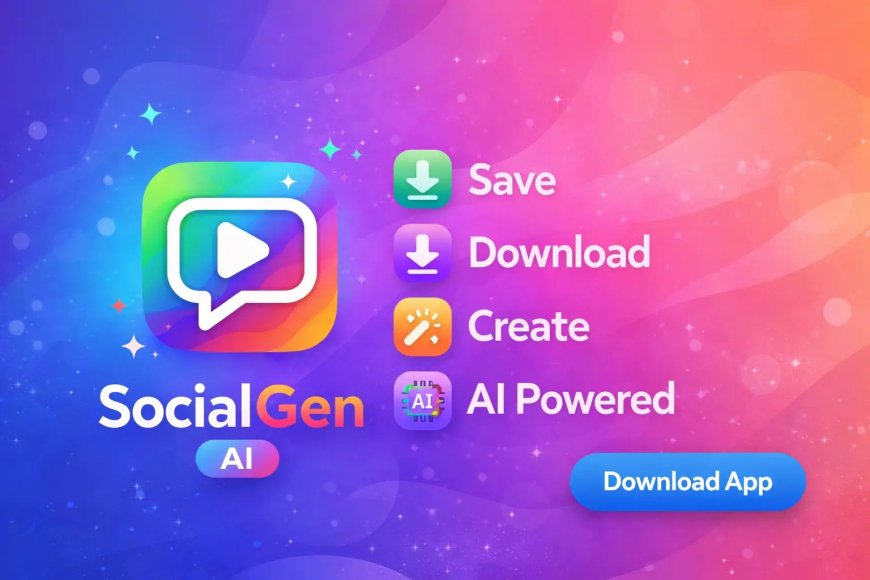
Learn how to save WhatsApp status images and videos easily using the SocialGen AI Android app. No watermark, no login, fast download.
How to Save WhatsApp Status Using SocialGen AI App (Images & Videos Easily)
If you’ve ever seen a WhatsApp status you really liked—a family photo, festival poster, motivational video, or a useful announcement—you know the feeling.
You want to save it…
but WhatsApp doesn’t give a direct download option.
This is exactly why many people install SocialGen AI. In fact, WhatsApp Status Saver is the feature most users download the app for—and after using it myself, I understand why.
It’s fast, clean, and works without any drama.
Why Use SocialGen AI to Save WhatsApp Status?
Before the steps, here’s what makes this feature genuinely useful:
-
No asking the sender for the file
-
No screenshots or screen recording
-
No third-party websites
-
No login or account linking
It simply shows you the statuses you’ve already viewed—and lets you save them instantly.
Step-by-Step: How to Save WhatsApp Status Using SocialGen AI
Once you do this once, it becomes second nature.
First download the SocialGen AI and allow the permission for saving the whatsapp status
Step 1: Open WhatsApp
Launch WhatsApp on your phone.
Step 2: View the Status You Want to Save
This step is important.
You must view the status (image or video) at least once.
Step 3: Open SocialGen AI
Now open the SocialGen AI app.
Step 4: Tap on “Status Saver”
From the home screen, select Status Saver.
Step 5: Choose WhatsApp
Tap on the WhatsApp option.
Step 6: Browse Recently Viewed Statuses
You’ll now see all recently viewed WhatsApp statuses—both images and videos.
Step 7: Tap “Download”
Tap the Download button on the status you want.
That’s it.
The status is saved instantly.
Where Are Saved WhatsApp Status Files Stored?
📁 Saved files are:
-
Stored neatly inside the app
-
Also visible in your phone gallery
This makes it easy to:
-
Share again
-
Edit later
-
Keep for reference
No digging through hidden folders.
What I Personally Liked About This Feature
After regular use, these things stood out clearly:
-
✅ No watermark on saved photos or videos
-
✅ No login required—works straight away
-
✅ Very fast loading, even with multiple statuses
The app feels light and responsive, not bloated.
Common Questions People Ask
Does it work for videos and photos?
Yes, both image and video statuses are supported.
Can I save old statuses?
Only statuses that are currently available and viewed.
Is it safe to use?
Yes. It only accesses statuses you’ve already seen.
Does it notify the other person?
No. The sender is not notified.
Who Will Find This Feature Most Useful?
-
Regular WhatsApp users
-
Students saving notes or posters
-
Families saving photos/videos
-
Small business owners saving promo statuses
If you use WhatsApp daily, this feature quickly becomes something you rely on.
Final Thoughts: Simple Feature, Big Convenience
From my own experience, I can say this honestly:
👉 SocialGen AI makes WhatsApp status saving effortless
👉 No tricks, no confusing steps
👉 Just open, view, save
If you’ve ever wished WhatsApp had a “Save Status” button—this is the closest thing to it.
What's Your Reaction?
 Like
0
Like
0
 Dislike
0
Dislike
0
 Love
0
Love
0
 Funny
0
Funny
0
 Angry
0
Angry
0
 Sad
0
Sad
0
 Wow
0
Wow
0