

















No Editing Apps Needed: Google Photos Now Lets You Create Memes
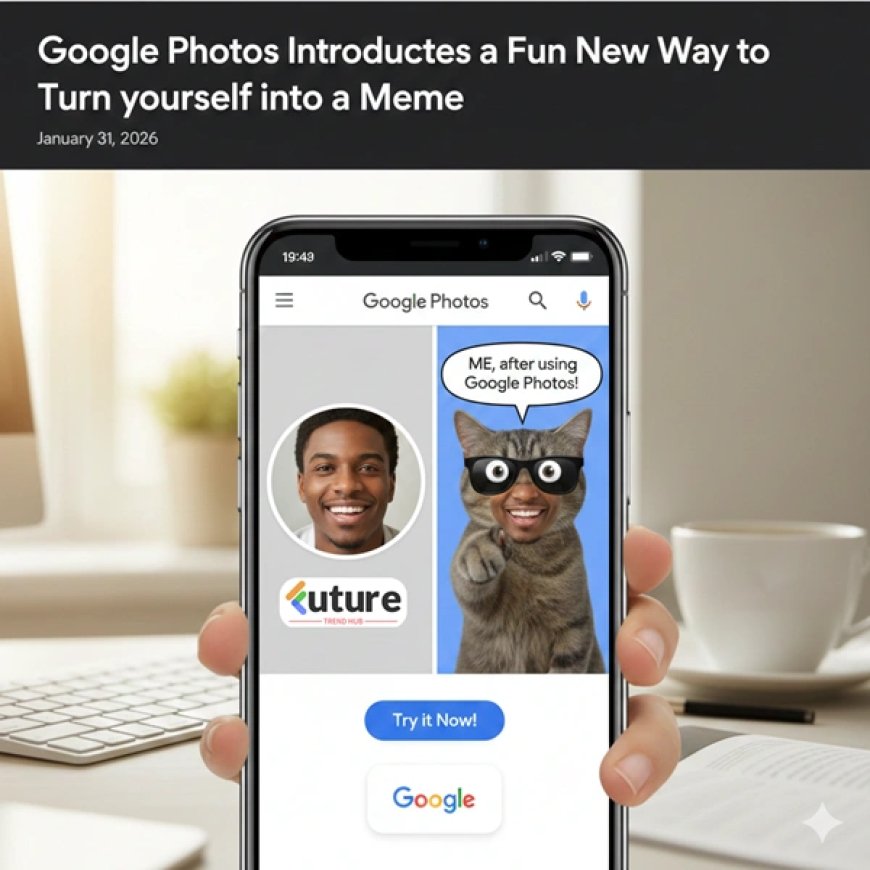
Google Photos has rolled out a new feature that allows users to turn personal photos into meme-style images directly inside the app. The update removes the need for third-party editing apps and makes meme creation faster and more personal. The feature uses existing privacy settings and is rolling out gradually.
No Editing Apps Needed: Google Photos Now Lets You Create Memes
There was a time when turning a photo into a meme meant juggling three different apps, fighting with text alignment, and still ending up with something that didn’t quite hit the mark. I’ve been there—more than once. You start with a great photo, lose patience halfway through editing, and finally give up.
That’s exactly why this new update from Google Photos feels so relatable. It solves a real, everyday problem in the simplest way possible.
A Fun Update That Feels Surprisingly Natural
With this feature, Google has added the ability to create meme-style images directly inside Google Photos. No external editing apps. No complicated tools. Just your photo and a caption that says what you’re already thinking.
What makes it special is how personal it feels. Instead of choosing from overused internet templates, you’re using your own photos—real expressions, real moments, real memories. The result feels less like “content” and more like an inside joke you can instantly share.
Why This Is Better Than Using Meme Apps
Traditional meme apps are fun, but they’re generic. The same images, the same formats, the same jokes recycled endlessly. Google Photos flips that approach by starting with your life.
A candid selfie. A funny reaction shot. A group photo where everyone looks tired after a long day. These moments already carry emotion—and now you can turn them into memes without breaking the flow.
This is especially useful for private sharing on WhatsApp, Telegram, or family groups, where personal humor matters more than viral trends.
How to Create Memes Using Google Photos (Step-by-Step)
Using this feature is refreshingly simple. You don’t need any editing background at all.
Step 1: Open Google Photos
Launch the Google Photos app on your Android device and make sure it’s updated to the latest version.
Step 2: Select a Photo
Choose a photo from your library—ideally one with a clear facial expression or a strong reaction. These work best for memes.
Step 3: Tap on Edit or Create Option
Open the photo and look for the edit or creation tools. You’ll see an option that allows you to add text in a meme-style format.
Step 4: Add Your Caption
Type your text. The app automatically applies bold, high-contrast styling that looks like a classic meme. You can adjust placement or wording slightly to match the mood.
Step 5: Save or Share
Once you’re happy, save the image or share it directly with friends and family. Your original photo remains untouched.
That’s it. No exporting. No resizing. No switching apps.
Privacy Still Comes First
Even with this playful feature, nothing changes when it comes to privacy. Your photos stay private unless you choose to share them. The meme creation happens within your existing Google Photos environment, using the same trusted privacy settings.
For something that works with personal images, that consistency is important—and reassuring.
A Small Feature With a Bigger Meaning
At first glance, this may look like a fun extra. But it reflects a bigger shift in how apps are evolving. Photos aren’t just for storage anymore—they’re for expression.
By making meme creation effortless, Google Photos is acknowledging how people actually use their images today: to joke, connect, and communicate emotions quickly.
Sometimes, the best tech updates aren’t the loudest ones. They’re the ones that quietly fit into your daily life—and make it a little more fun.
Related Articles
What's Your Reaction?
 Like
0
Like
0
 Dislike
0
Dislike
0
 Love
0
Love
0
 Funny
0
Funny
0
 Angry
0
Angry
0
 Sad
0
Sad
0
 Wow
0
Wow
0